Take the Gopher hole
Once you are logged in, there is a small collection of companion information about the exhibition
and each of its machines. The most fitting way to read it is Gopher. Every exhibition machine has a
Gopher client installed, but it is not on the command search path everywhere. Use the command for the
system you are logged in to and point the client at reno.
First, find the Gopher
- 4.3BSD-Reno
% /usr/local/bin/gopher -p / reno
- Ultrix 4.5
% /usr/local/bin/gopher -p / reno
- SunOS 5.6
% /opt/gopher/bin/gopher -p / reno
- NetBSD 1.0
% /usr/local/bin/gopher -p / reno
In any of these commands, you can use the fully qualified hostname
reno.exhib.unix instead of the short name reno.
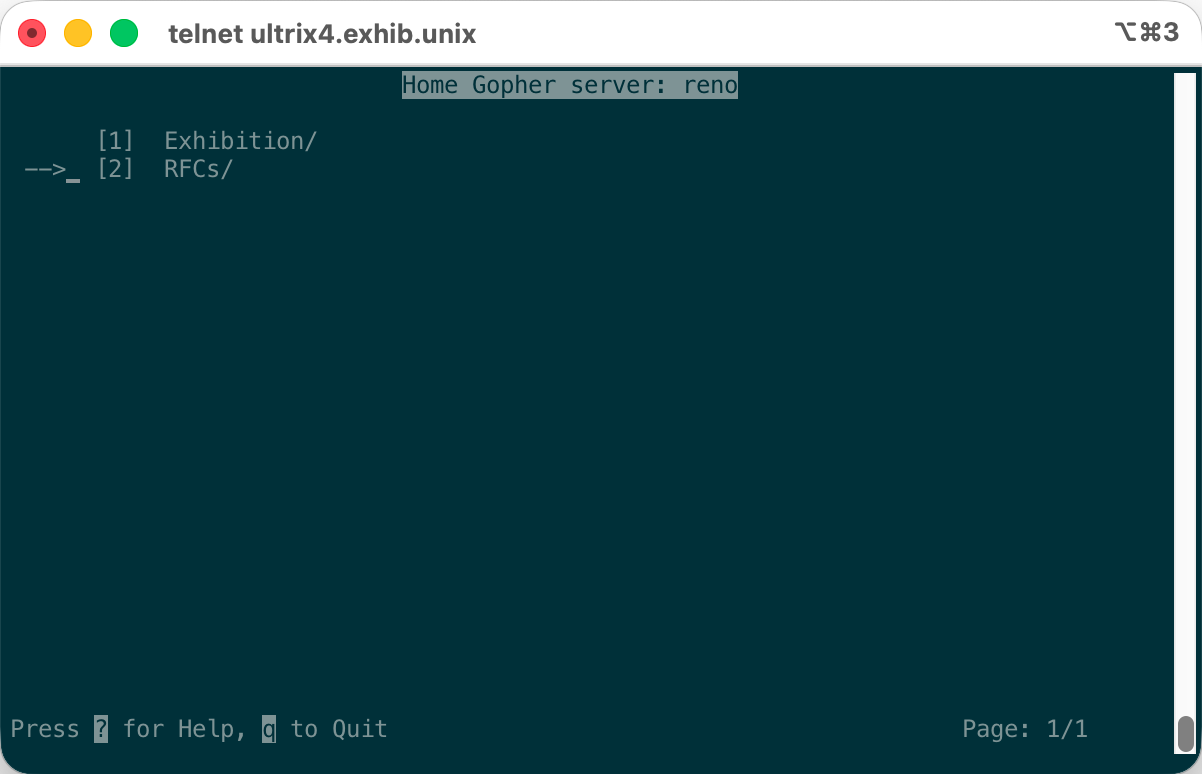
This opens the top-level menu. Enter the Exhibition directory to find the companion
information, then pick an entry to read about the exhibition or one of its machines. The exact keys
vary a little between the clients installed on these old systems, but the menu and the client's
on-screen help will get you around.
What is Gopher?
Gopher is an internet information system introduced in 1991, just as the World Wide Web was getting started. Instead of web pages full of links, scripts, and layout, a Gopher server presents a tree of menus. An item may lead to another menu, open a text document, or retrieve a file. There is not much machinery between you and the information.
That makes Gopher a good match for a text terminal and for the Unixes in this exhibition. A Gopher
address can include a server, a port, an item type, and a selector identifying the item to request.
Port 70 is the usual default. The commands above ask the server on reno for the root
selector, /.
Gopher did not vanish when the Web took over, but modern web browsers generally do not speak the
protocol. You need a Gopher client to visit a gopher:// address directly.
Some light reading from the IETF
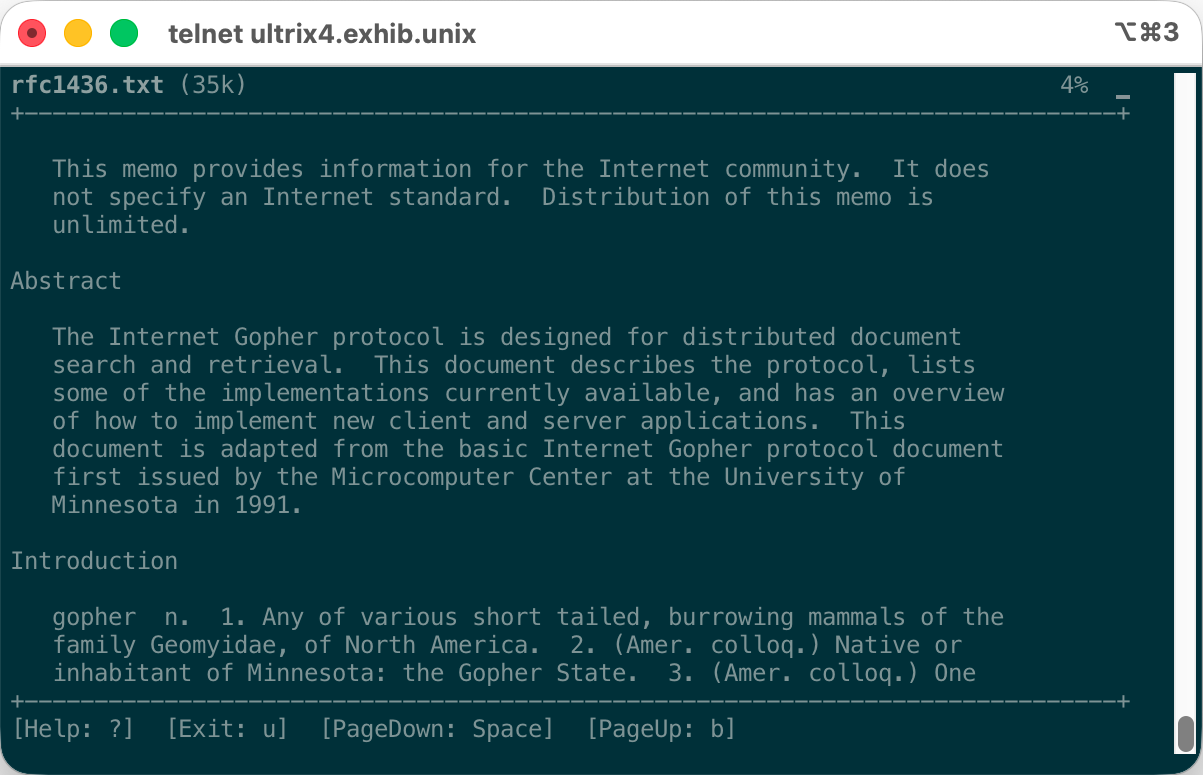
There is also an RFCs directory at the top level. It contains a handful of original
Requests for Comments covering protocols you can meet in this exhibition. Reading them in a Gopher
client on a period Unix is, admittedly, doing standards documentation the hard way. It is also the
right way for this place.
rfc791.txt- Internet Protocol
rfc793.txt- Transmission Control Protocol
rfc821.txt- Simple Mail Transfer Protocol
rfc854.txt- Telnet Protocol Specification
rfc959.txt- File Transfer Protocol
rfc1288.txt- The Finger User Information Protocol
rfc1436.txt- The Internet Gopher Protocol
Prefer HTTP?
The companion information is published as HTML as well. From any exhibition machine, open it with
the text-mode browser lynx:
% lynx http://sunos5/
You can use the fully qualified hostname if you prefer:
% lynx http://sunos5.exhib.unix/
Both versions contain the same companion material. HTTP is the familiar route; Gopher is the route that feels at home here.